Sometimes, in your blog, there will be some disturbing comments that you want to mark it as spam, and remove them. That’s what you’ll have to deal with if you choose to allow comments on your blog. Shopify feels the same with you and will check your blog comments on behalf of you, and will mark any comment that has any sign of spam. Those marked comments will not appear on your blog but still show up in your Shopify admin. Now, you can flag any comment that you don’t want in your blog yourself.
So today, I will show you How to remove spam comments on Desktop, iPhone, and Android.
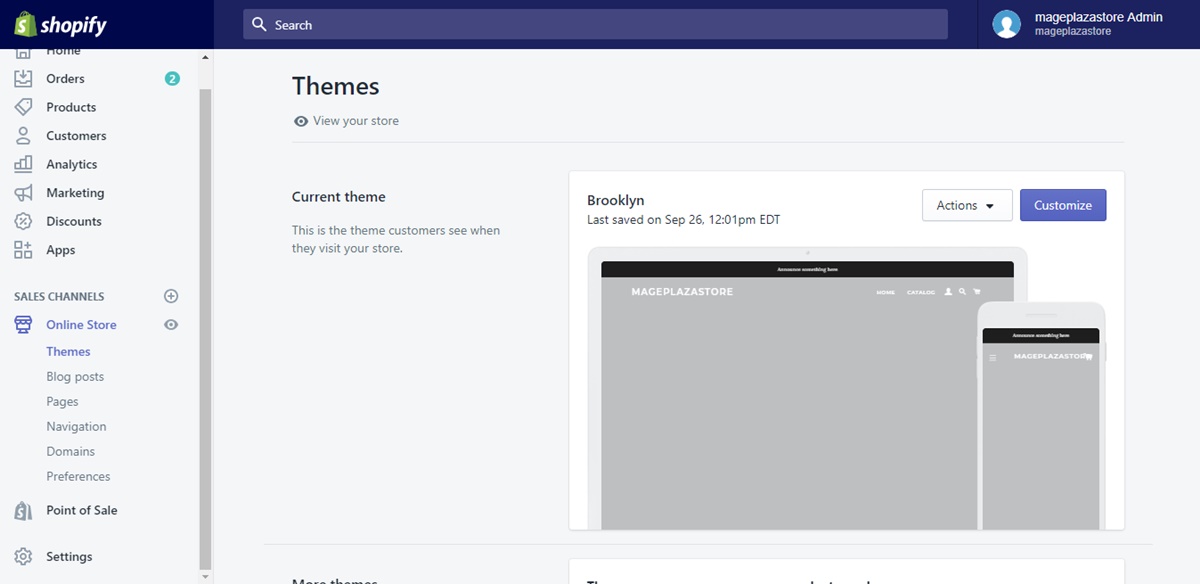
Step 1: Go to Blog Posts The first step to manage your comments is to enter Blog Posts. It can be found easily under the Online Store section from your Shopify admin.
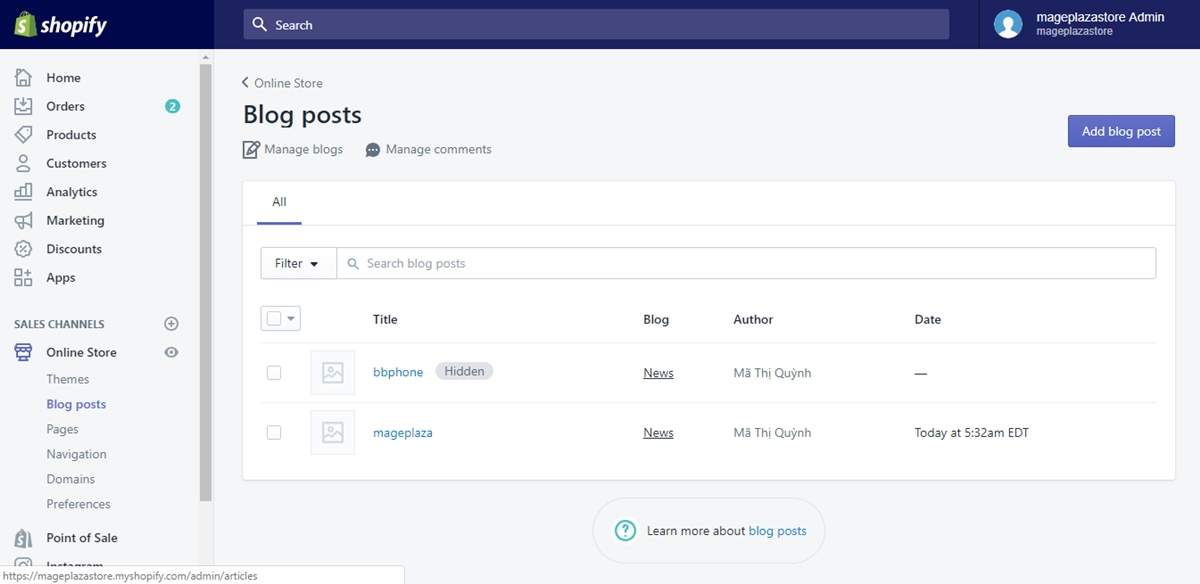
Step 2: Click Manage comments In your chosen Blog Posts page, click to choose Manage comments for more managing options including flagging spam comments.
Step 3: Flag comments Find the spam comment to see if the comment is flagged. If not yet, click on the Spam button to flag it as spam.
Step 4: Remove comments Like every usual comments, a spam comment has a trash bin icon right next to it, too. Click on the icon to delete the spam flagged comment.
Conclusion Today, I introduced you How to remove spam comments on Shopify. By following this tutorial, you can flag as spam or remove the unwanted disturbing comments immediately. I hope you will find these information helpful, and if you enjoy it, I’m sure you’ll like our posts on online sales channels.
About Us

AVADA Commerce Pte. Ltd. is an e-commerce solution provider headquater based in Singapore, Sales and development team in the USA and Vietnam where the best developers unite. Founded in 2014, AVADA is responsible to complete the mission to help 1 million online businesses grow revenues.
🏠 Address:
SIN: 1 Sophia rd, Peace Centre, Singapore, 228149
USA: 651 N Broad St, Suite 206, Middletown, DE 19709
VIE: 125 Tran Phu, Ha Dong, Ha Noi
📱Phone: (+84)24 6687 1163
📩 Email: anhnt@mageplaza.com
🌐 Website: https://avada.io/

Nhận xét
Đăng nhận xét